WORK SAMPLES
.SLASH VFX
This effect was a 3-day assignment during my Procedural Artist education at The Game Assembly, during the spring of 2025, where we were supposed to create a slash effect and attach it to an animated skeletal mesh and make it play in real-time. The project was made entirely in Unreal Engine.
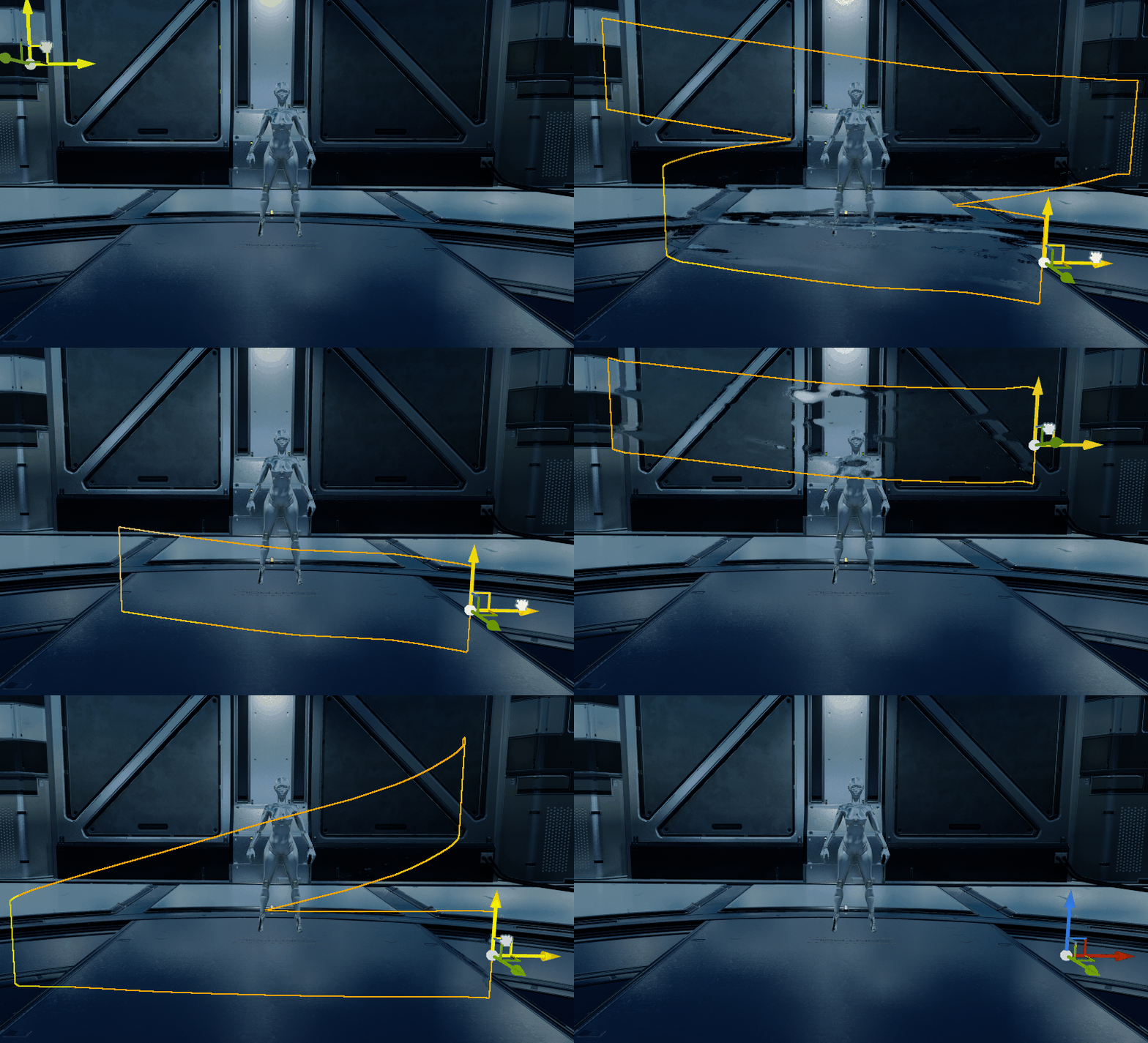
The trail of the sword was made up of three Niagara Emitters, using different materials for the layers. Each emitters spawned only one particle per frame and then drew a ribbon, each emitter using a different material, between each spawned particle. The first layer was the colorless refraction trail. It sampled a noise texture with distorted UVs that was then, after some adjustments, fed into a lerp as the alpha value. The final value was the only output of the material, set to the Index Of Refraction output. By including the particle lifetime into the shader itself, the animation of the refraction strength was done entirely in the shader instead of the Niagara System.

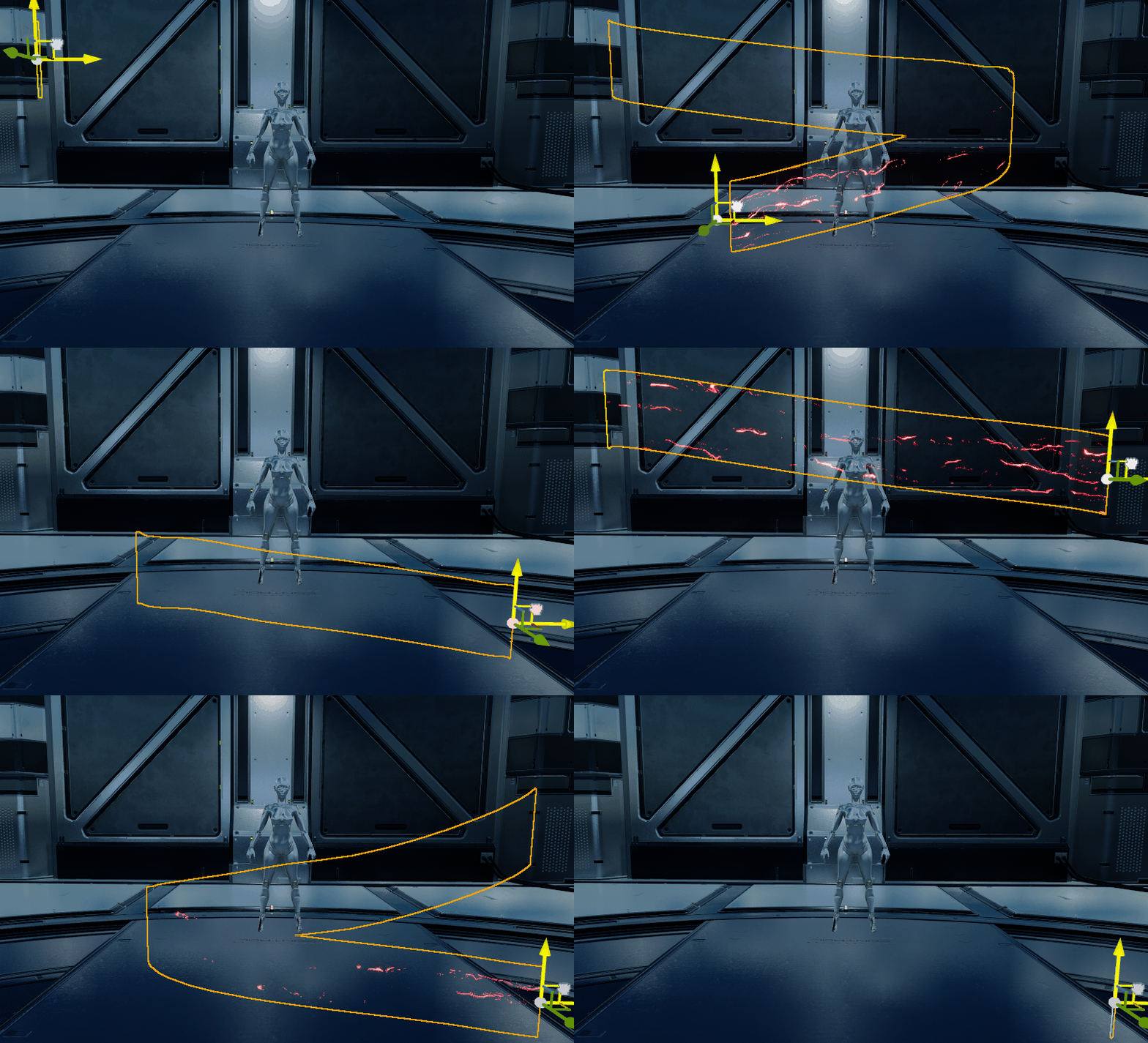
The lightning layer of the effect was primarily two bands with distorted UVs added on top of each other for variation and depth. The distortions were made thorugh a noise generation node, rather than using a texture sample, with exposed parameters in order to more easily control the noise itself. The refraction mask from the previous material was reused as the opacity mask to make sure the ribbons were always rendered in the same places.
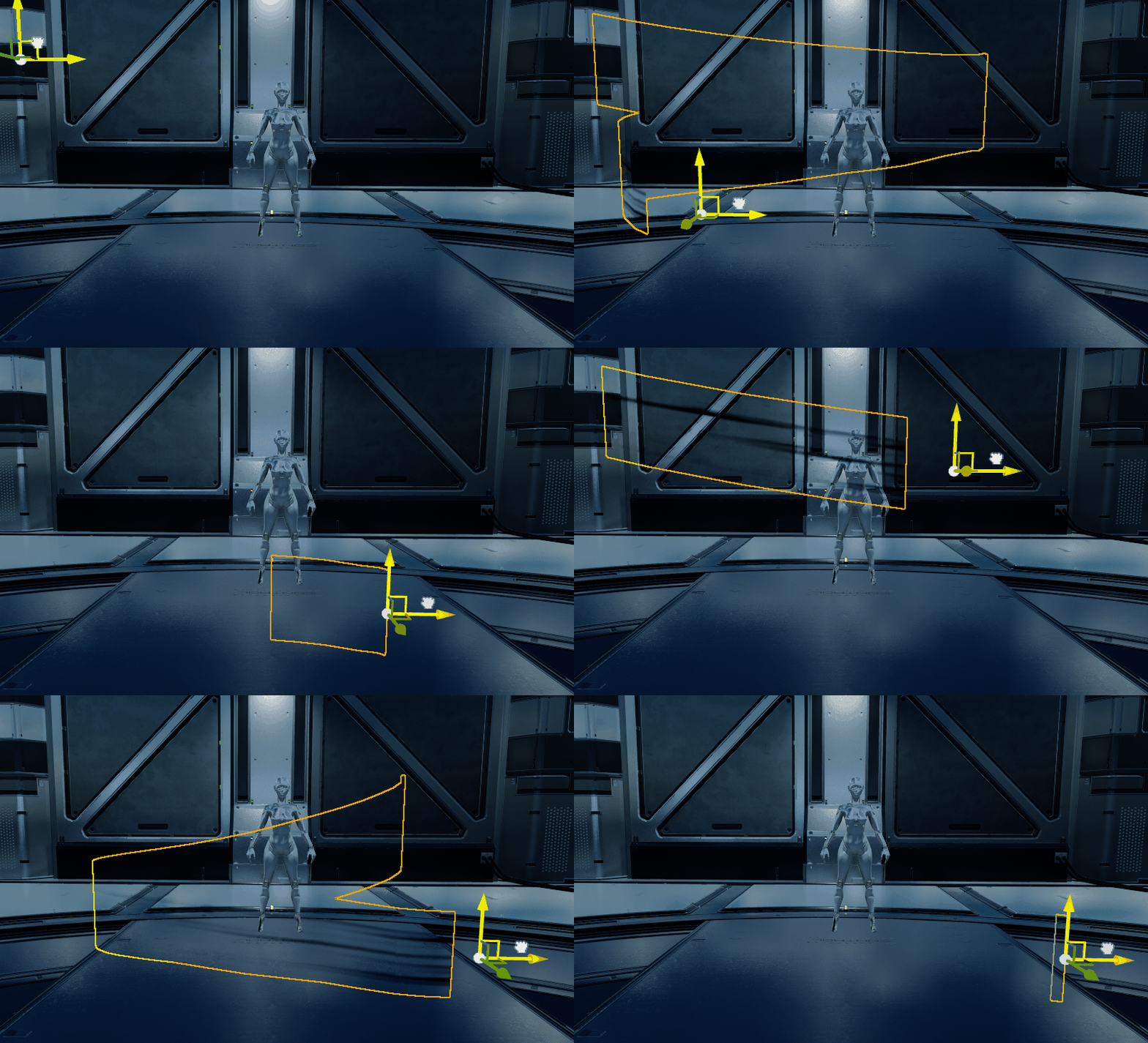
Finally, I added some black "streak:y" ribbons to add more depth to the effect. Again, I reused the same opacity mask and added a black color to make the other layers stand out more. The ribbons for this layer moved faster that the others since I just wanted a shadow of color.
To make the particle system more adaptable to different sized weapons, I used an exposed Niagara Parameter for the ribbon width that was set in the Blueprint of the character. By measuring the distance between the top and bottom part of the sword, I could set the parameter value and feed that into the particle system.


.FLOWMAP - WATER SHADER

This project was a 2-day assignment during my Procedural Artist education at The Game Assembly, in the spring of 2025. The assignment was to create a shader for a liquid material that used a flowmap to move around abstacles. I worked mainly in Unreal Engine and Houdini for this project.
The animated movement of the water material was driven by a flowmap that I generated in Houdini, using the Flowmap SOP and Flowmap Obstacle SOP. By scattering spheres on random points on a grid and feeding these into the Flowmap Obstacle SOP, with the flowmap as the other input, the obstacles were accurately generated.


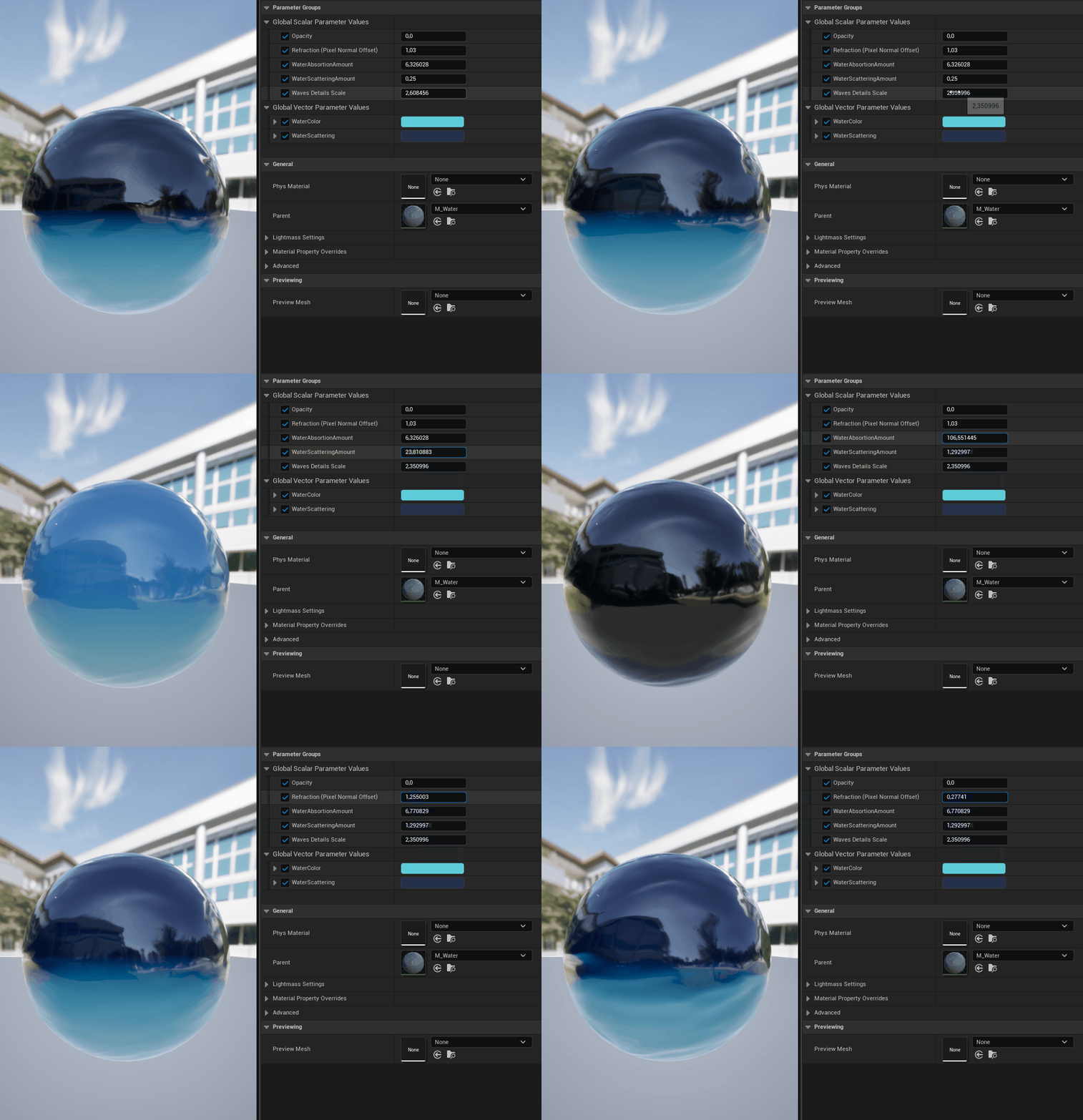
In the Unreal Shader Graph, the flowmap was then used to distort the UVs of the two panning normal textures I used to create the water's movement. To color the water, I used the Single Layer Water Material shading model output where I set the scattering and absorbtion colors of the water, based on the references I used.