SNOWY ROCKS
.SUMMARY
My goal for this project was to create a vector field and use it to animate particle movement. Specifically, I wanted the particles to navigate around obstacles, avoiding collisions while maintaining a forward trajectory. I generated a vector field in Houdini, using an input mesh as a reference, and integrated it with Unreal’s Niagara Particle System to incorporate custom, real-time behaviors.
I had just over 1 week, during the spring of 2026, to make this piece.

Additionally, the project focused on exploring a stylized, painterly art style, drawing significant artistic inspiration from the game The Long Dark. I made all textures in Adobe Substance Designer and Substance Painter.
.VECTOR FIELD
To make the vector field, I first imported the two meshes I wanted to shape the vectors around into Houdini - one for the ground and one for obstacles. By passing the merged meshes through a VDB-converter and back, I generated a unified grid that enveloped all of the geometry.
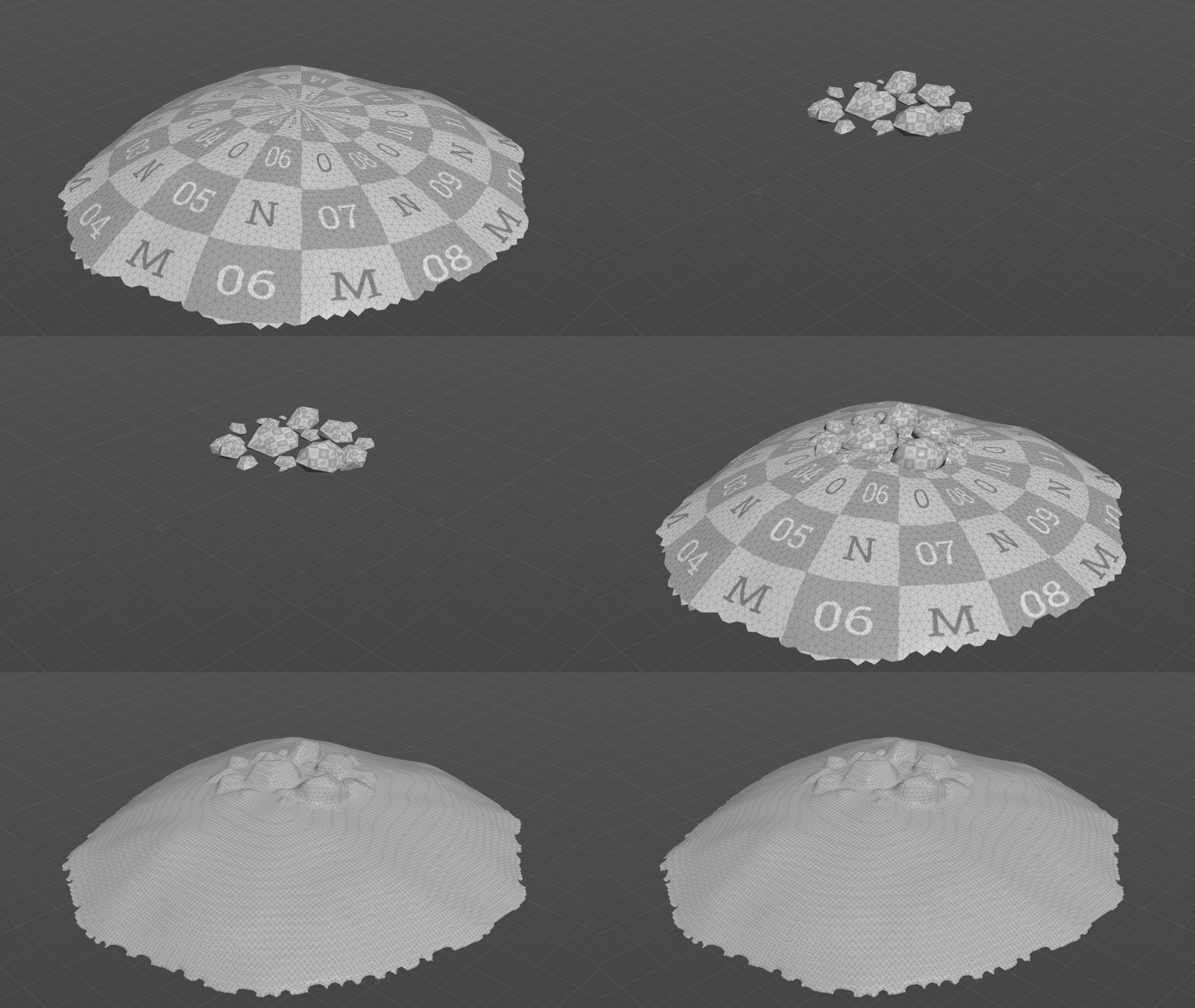
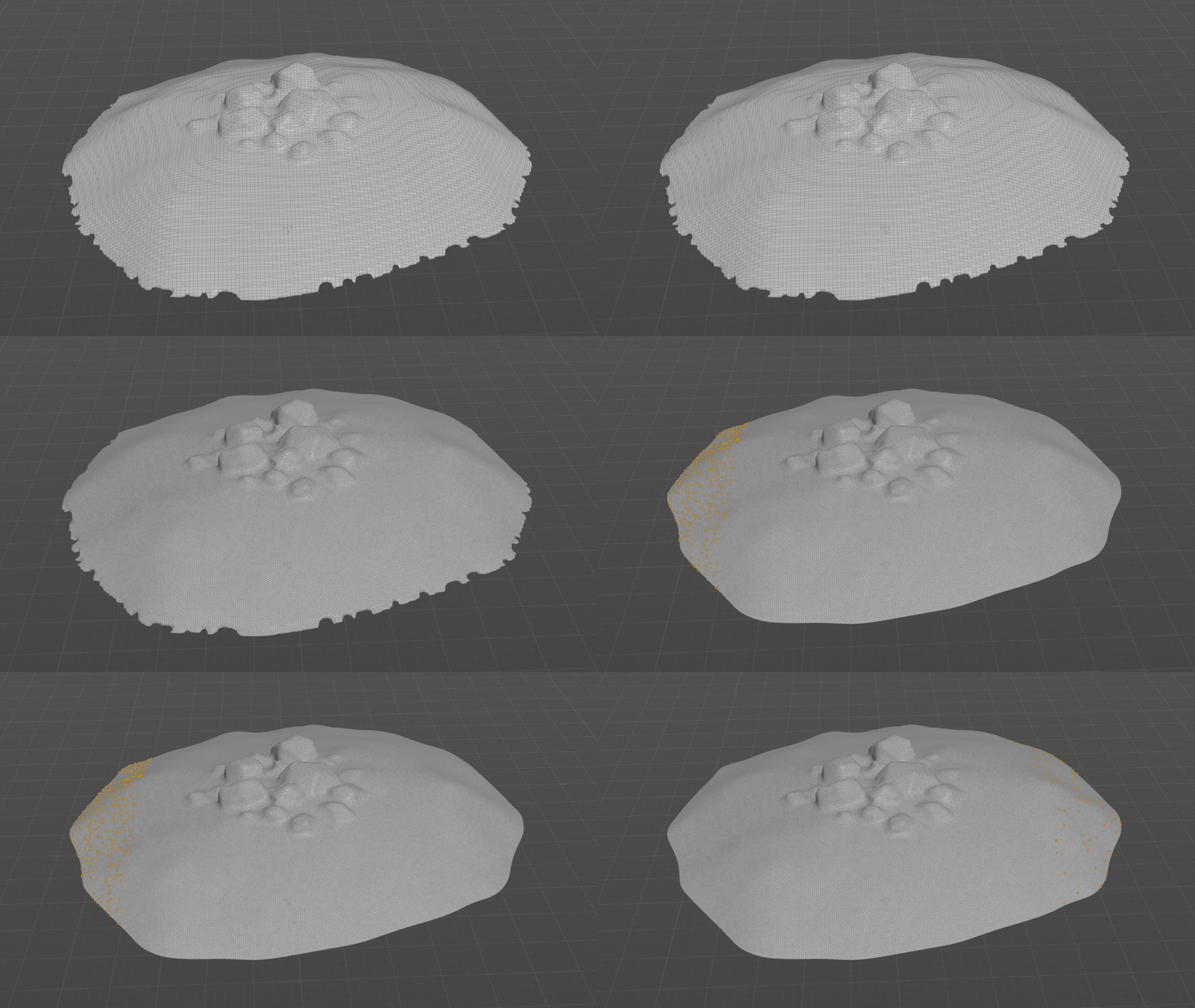
I then needed to choose in what direction I wanted my vectors to go. By using bounding boxes and randomization within those areas, I was able to filter out starting and ending points.
I also incorporated custom starting points. Using VEX code, I identified the nearest points on the original geometry to the manually created points and included these resulting points in the list of starting points. This approach was necessary because the original starting points alone successfully avoided obstacles but remained too distant from their surfaces. Placing custom starting points directly in front of the obstacles resulted in more realistic and accurate outcomes.


To generate the trajectories for the vectors, I used the Shortest Path SOP to create lines connecting the start and end points. By adding tangents at each point along these lines, I was able to incorporate this attribute into the volume data, serving as the vector for each voxel.
In order to make the final volume, I first created two separate Volume VOPs. The first volume inherited the tangent vectors from shortest path lines based on the closest point to each voxel, while the second volume incorporated only a three-dimensional noise.

Finally, I merged the two volumes by interpolating between them based on the distance from the original mesh. This approach ensures that voxels closer to the mesh surface are more affected by the tangents of the shortest path lines, while those farther away incorporate more of the swirling noise volume.

.PARTICLE SYSTEM
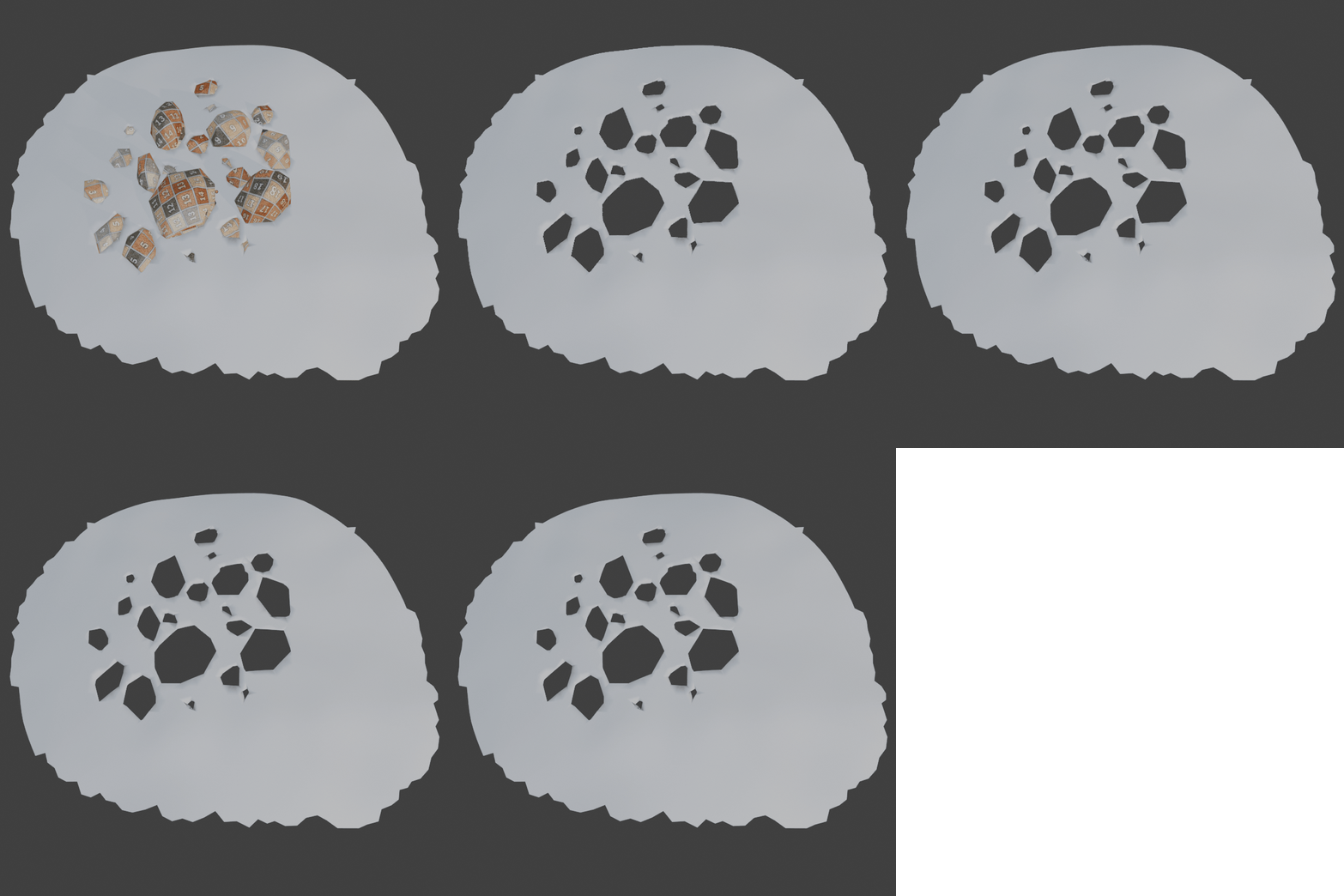
The particle system was made using Unreal's Niagara Particle System where created a custom static mesh as the source for particle spawning. Specifically, I used the ground mesh, modified to exclude areas where rocks overlapped. This enabled particles to be emitted accurately along the surface of the geometry, ensuring they did not spawn within the rocks.
Due to the stylized art style, I had to emulate motion blur effects on the particles. To achieve this, I developed a custom Scratchpad Module in Niagara that scales the particles' size relative to their distance to the camera, elongating them along one axis as they approach closer to the camera.

By implementing an exposed parameter that could be adjusted independently from the Scratchpad, I was able to change which camera the module uses to sample position and distance. This enhanced the module's flexibility for in-game scenarios, as the default camera sampler only considered the viewport camera.


To introduce variation in the sprites, I made a sprite sheet using Substance Designer and integrated a SubUV Animation module into the particle system. To achieve a more dynamic appearance for the sprites, I configured the module to select a random sub-UV for each particle.


.MATERIAL
Most of the material work was applied to the rocks and their snow layer. The textures for the rocks were made in Substance Painter, as it would allow me to use the baked edge mask to hightlight the corners and achieve that stylized look. For the details, I mainly stacked different noise and distortion textures until I got the look I wanted.
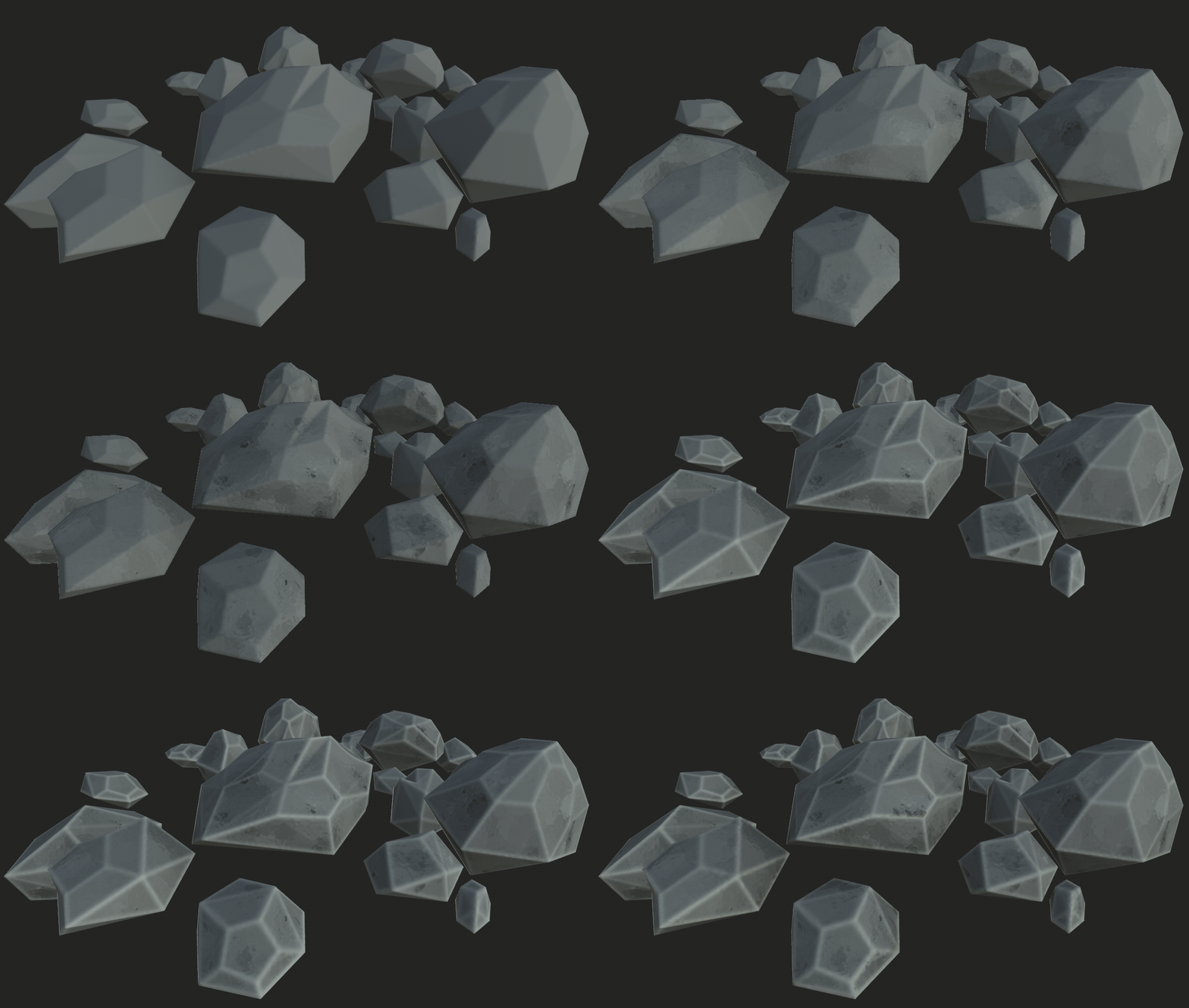
I made a stylized snow material in Substance Designer, exporting the textures into Unreal where I created a material that lerped between the two materials based on the world position. This way, the top of the rock meshes would get the snow material, and the rest would use the rock material


For the snowflake sprites, I imported both the particle position and the camera position to adjust the alpha value. This was to fade out the particles when they would travel further away from the camera. I also included a depth fade to smooth out any edges of particles travelling close to any surface.